What You Need to Start Live Streaming
Whether you stream from a desk or live from the street, the kit comes down to the same jobs: a camera, audio, lighting, an encoder, and a connection. Here is what actually fills each slot, at every budget. The big shift lately is eSIM: a modern phone can now carry a second carrier plan on the same device, so the entry path to going live is simpler and cheaper than it has ever been.
IRL Streaming
Going live from the real world. The honest truth: eSIM makes one phone a full rig, but eSIM is not bonding. A single phone still uses one network at a time, so true multi-link reliability still means a backpack encoder or a bonding service.
Budget: Phone-Only
Phone + ~$150 (estimate)One modern eSIM phone is your camera, encoder, and modem in a single device. Add a gimbal and a free encoder app and you are live. eSIM lets you run a backup carrier plan on the same phone, so you are not dead the moment one network drops.
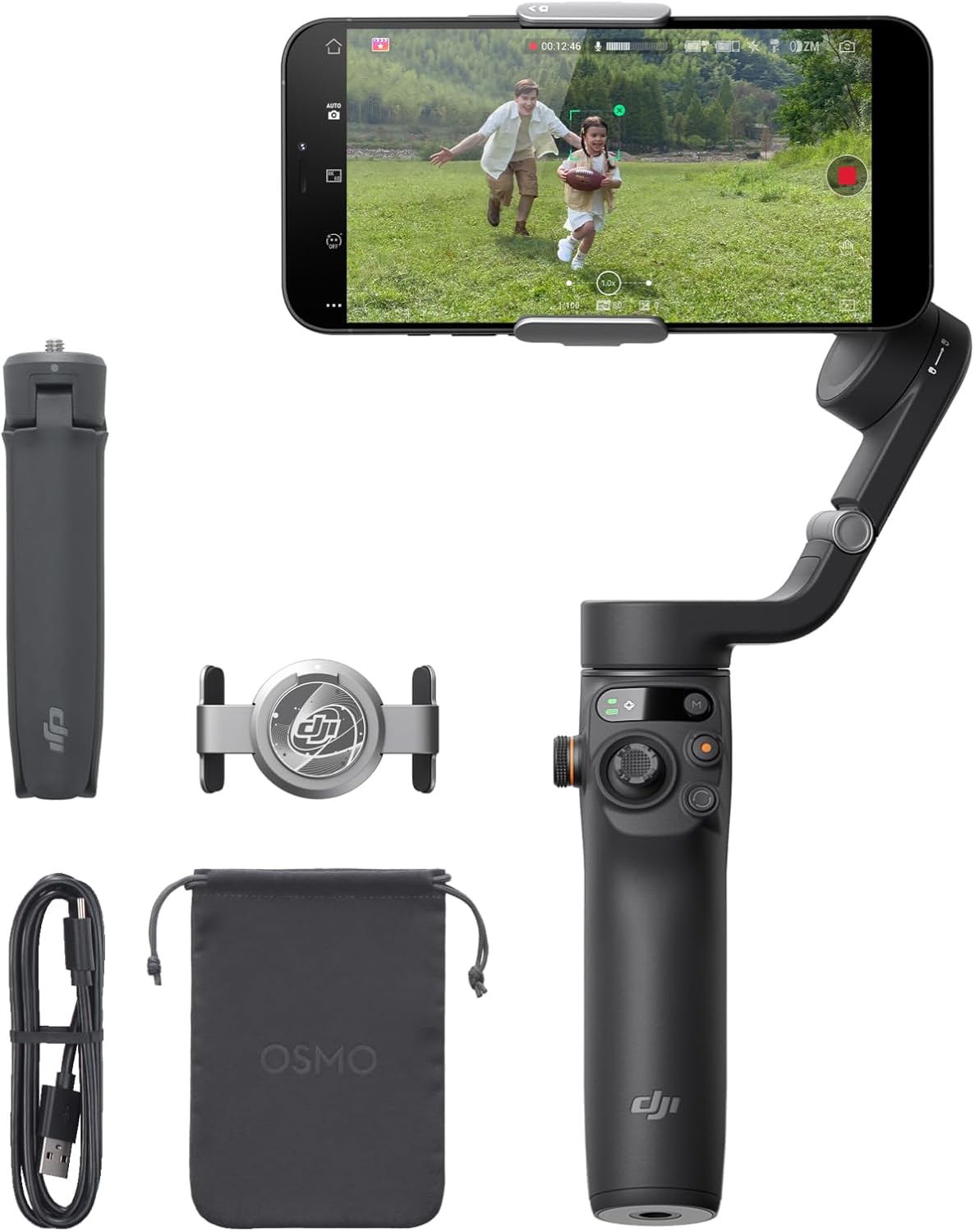 DJI Osmo Mobile 6$100obs.
Gimbal for smooth handheld footage off your phone.
 Phone Wrist Strap$17obs.
Straps a chat phone to your wrist so you can read chat hands-free.
- Moblin (iOS) / IRL Pro (Android)Free
Free app encoder with SRTLA bonding straight to a relay.
- Any modern eSIM flagship phonerecommended spec
Camera, encoder, and modem in one. eSIM adds a backup data plan.
Value: belaBOX Backpack
~$600-900 (estimate)The classic DIY rig: a dedicated action cam over HDMI into a hardware encoder, a phone as your modem, and a big battery in the bag. More resilient signal and sharper video than phone-only, without the broadcast-truck price.
- GoPro HERO13 Black
Wide, stabilized, rugged main camera.
 DJI Osmo Pocket 3$495obs.
Alt camera with a built-in gimbal and great low light.
 Elgato Cam Link 4K$80obs.
Pulls the camera HDMI feed into the encoder.
- Orange Pi 5 + belaBOXFree firmware
Hardware encoder running open-source belaBOX firmware.
 ELECOM NESTOUT 10K$55obs.
Rugged power bank to keep the rig alive on the move.
 SanDisk Extreme Pro microSD$88obs.
Local recording as a backup of the live feed.
Premium: Pro Bonding
$1k+ / subscription (estimate)True multi-link bonding for a rock-solid signal in a packed crowd. Commercial hardware or managed cloud services combine several connections at once. This is the tier where the real partnerships live.
- LiveU Solo / Solo ProHardware + data plan
Broadcast-grade cellular-bonding encoder.
- Peplink + SpeedFusionHardware + subscription
Dual-SIM bonding router with cloud failover.
- SpeedifySubscription
Software channel-bonding that fuses cellular and wifi.
- Elgato Wave:3
Clean audio when you mic up at a base or desk segment.
PC Streaming
The desk studio. A face cam, a good mic on an arm, even lighting, a Stream Deck to run scenes, and OBS to tie it together.


USB condenser mic with onboard mixing.


Software & Services
The free tools cover most streamers. Paid bonding and cloud services are for when uptime is the job.
Free, open-source broadcast software for desktop.
OBS-based suite with themes, alerts, and a mobile app.
Open-source firmware for DIY IRL encoders.
Free iOS IRL app with SRTLA bonding.
Android IRL app with bonding and relay support.
Managed cloud OBS and broadcast control.
Channel-bonding that combines multiple connections.
Professional cellular-bonding encoders and services.
Build your setup part by part
Pick PC, IRL, or hybrid, choose each component, and build a full streaming kit with a running total on StreamPartPicker.
Open StreamPartPicker